
Master Your Miles: 7 Garmin Forerunner Hacks for Pro-Level Training
Stop letting default settings hold your running back. From heart rate accuracy to battery life secrets, learn how to optimize your Garmin Forerunner for peak performance.
Key takeaways
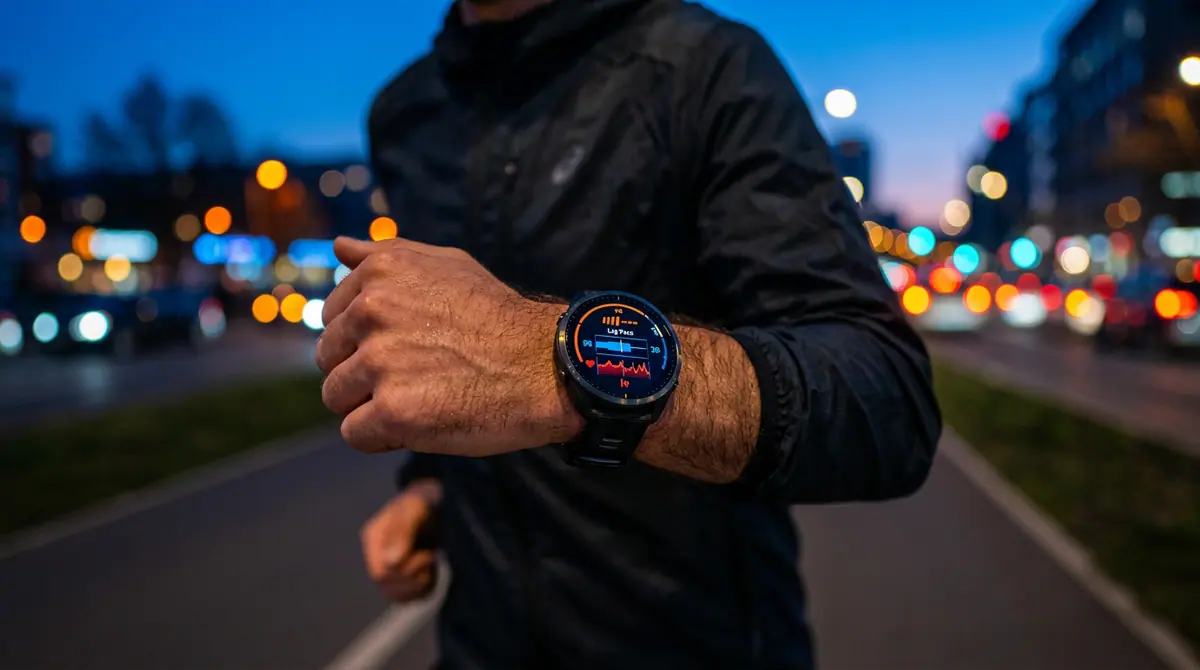
- Switching from 'Current Pace' to 'Lap Pace' provides much more stable and useful data for maintaining a steady effort.
- Heart rate accuracy can be significantly improved by moving the watch higher up the arm to avoid the wrist bone and thin skin.
- Disabling continuous Pulse Ox and using 'GPS Only' mode are the two most effective ways to drastically extend battery life during long training blocks.
The Secret to Unlocking Your Garmin Potential
Imagine standing at the starting line of a major race, looking down at your wrist, and realizing your expensive smartwatch is providing inaccurate data because of a single default setting. For many runners, a Garmin Forerunner is a major investment in their fitness future, yet most users never venture beyond the factory configurations. Whether you are sporting the entry-level Forerunner 165 or the premium Forerunner 965, the difference between a good run and a great one often lies in how you customize your device.
Why the Right Settings Matter
According to a report by Lifehacker, many of the most popular 'hacks' for these devices actually correct common hardware limitations or software oversights. While some online guides have recently caused confusion by referencing non-existent models like the Forerunner 170 or 970, the core optimization techniques remain identical across Garmin's verified 2024 to 2026 lineup. By refining your setup, you ensure that every heartbeat and every mile is tracked with surgical precision.
Garmin's current Forerunner lineup has evolved significantly. The Forerunner 165 serves as the modern entry-level standard with its vibrant AMOLED display, while the Forerunner 965 remains the gold standard for elite athletes requiring advanced training metrics and full-color mapping. Understanding which features are available on your specific model is the first step toward optimization.
1. Fix the Heart Rate Accuracy Gap
One of the most surprising tips for optical heart rate users is the placement of the watch itself. While we are conditioned to wear watches on the wrist bone, the thinner skin and increased movement there can lead to 'cadence lock' where the watch tracks your steps instead of your heart. To fix this, try wearing the watch slightly higher on your upper arm or further up the forearm during intense intervals. This simple shift allows the sensors to penetrate thicker tissue for a more stable reading.
2. Stop Chasing 'Current Pace'
If you have ever noticed your pace jumping wildly from a 7:00 minute mile to a 9:00 minute mile while you are running at a steady clip, you are a victim of GPS lag. Professional runners rarely use the 'Current Pace' data field. Instead, as suggested by experts at The5krunner, you should switch your primary data screen to 'Lap Pace.' This averages your speed over the current mile or kilometer, providing a much smoother and more actionable number to follow.
3. Master the Shortcut Keys
Fumbling through menus while running is not just annoying; it is a safety hazard. Garmin's modern operating system allows you to assign 'Hot Keys' (found under System > Shortcuts). A popular configuration is setting a long press of the 'Start' button to toggle the flashlight or a long press of the 'Back' button to open your music controls. For models like the Forerunner 965, this allows you to access deep settings without breaking your stride.
4. Tame the Touchscreen
While the new AMOLED screens on the Forerunner 165 and 265 are beautiful, they can be a nightmare in the rain or when you are sweating heavily. Accidental swipes can pause your workout or delete a lap. You should navigate to your activity settings and enable 'Auto Lock' or specifically disable the touchscreen for run profiles. This ensures that only physical button presses affect your data recording.
5. Optimize for Extreme Battery Life
You do not always need every sensor firing at maximum capacity. According to Garmin's own technical documentation, the Pulse Ox (blood oxygen) sensor is one of the heaviest battery drains. Unless you are training at high altitudes, turn off continuous Pulse Ox and set it to 'Manual Check' only. Additionally, for standard easy runs, switching from 'All Systems' GPS to 'GPS Only' mode can extend your battery life by several hours without sacrificing significant accuracy on open roads.
6. Calibrate Your Elevation
If your elevation data looks like you are running through the Alps while you are on a flat coastline, your altimeter needs a reset. Environmental pressure changes can throw off these sensors. Before a big run, go to the Altimeter widget and select 'Calibrate.' Using the 'Use GPS' or 'Enter Manually' (if you know your local elevation) will ensure your 'Climb Pro' features work correctly during the run.
7. Leverage the Nap Detection Widget
Recovery is just as important as the run itself. Recent firmware updates for the 2024 and 2025 models have introduced automated Nap Detection. Ensure this widget is active in your 'Glances' list. It tracks short periods of rest and adjusts your 'Body Battery' and 'Training Readiness' scores accordingly, giving you a more honest look at how much energy you actually have for your next session.
Why it Matters: The Impact of Precision
In the world of endurance sports, data is the primary tool for avoiding injury and burnout. Using an unoptimized Garmin is like using a high-performance car with the wrong tire pressure. By implementing these hacks, you move from being a passive user to an active manager of your own athletic data, ensuring that your training plan is based on reality rather than sensor errors.
What to Watch Next
As we move further into 2026, keep an eye on Garmin Connect's integration with AI-driven coaching. There are strong indications that future updates will allow for real-time form correction through the watch's accelerometer. For now, the focus remains on hardware efficiency. As noted by industry analysts, the trend is moving toward longer battery life and better screen visibility, meaning your current 165 or 965 model is likely to remain relevant for several years to come.
Final Takeaway
Your Garmin Forerunner is a specialized tool, not just a digital watch. By moving your sensor for better accuracy, switching to Lap Pace, and managing your battery-hungry features, you turn a piece of jewelry into a high-performance coach. Take five minutes today to dive into your settings: your future self at the finish line will thank you.
Sources (6)
Discussion (0)
Commenting as
No comments yet. Be the first to share your thoughts!
The discussion could not be loaded. Please refresh the page.
EdTech specialist and former computer science educator


