
How to Master the New Googlebook: Your Guide to the Android Laptop Revolution
Google is replacing ChromeOS with an Android-based OS for its next generation of laptops. Learn how to prepare for this shift and unlock the full power of a unified mobile-to-desktop ecosystem.
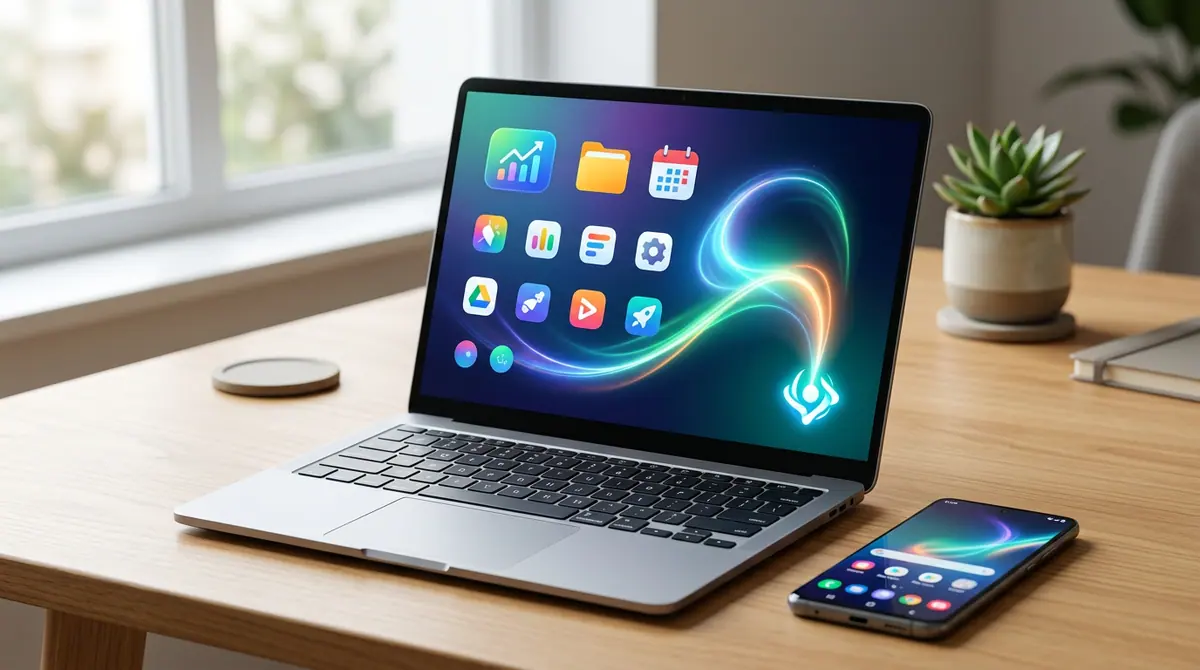
Key takeaways
- Google is pivoting from ChromeOS to an Android-based laptop OS called Googlebook for better app integration.
- Hardware partners include major brands like Acer, ASUS, Dell, HP, and Lenovo, with a fall launch expected.
- The new OS will feature deep Gemini AI integration and native, desktop-optimized Android apps.
- Users should audit their app libraries and sync their Google workspaces now to prepare for the transition.
Your Phone is About to Eat Your Laptop
Your smartphone is already the most powerful computer you own, and Google has finally decided to let it take over the desk. In a massive shift for the computing world, the company recently confirmed a new laptop initiative called Googlebooks, marking a fundamental departure from the ChromeOS we have known for years. According to a report by Engadget, these new devices are built from the ground up on Android rather than the web-centric architecture of a Chromebook. This is not just a branding change; it is a complete reimagining of how your laptop and phone work together. While some critics argue that your phone already does what these laptops promise, the reality is that the Googlebook offers a level of integration and AI-driven power that a small screen simply cannot match.
Whether you are a student, a professional, or a casual browser, the transition to an Android-first laptop requires a new way of thinking. Here is how you can prepare for the fall launch and ensure you are ready to hit the ground running when the first hardware from partners like Acer, ASUS, Dell, HP, and Lenovo arrives in stores.
Step 1: Audit Your Android App Library
The primary draw of the Googlebook is its ability to run native, desktop-class Android apps. Unlike the current Chromebook experience, which sometimes feels like running mobile apps in a windowed sandbox, the new OS is designed for app continuity. To prepare, start organizing your Android apps today. Ensure that you are using the most updated versions of productivity suites and creative tools. Developers are currently optimizing their apps for larger screens and mouse-and-keyboard input, so check your favorite apps for tablet or desktop-mode settings. Moving away from browser-based shortcuts and toward dedicated apps will make your eventual transition to a Googlebook much smoother.
Step 2: Initialize Your Gemini Workspace
Intelligence is at the heart of this new ecosystem. As 10News recently reported, Googlebooks will feature Gemini Intelligence built directly into the core of the operating system. This is not just a chatbot in a sidebar; it is a system-wide layer that can help you write, code, and organize your files. To get ahead, start using Gemini on your current Android phone to build a history of your preferences and projects. Because the Googlebook OS is unified with your mobile device, your AI assistant will have a high-context understanding of your work across all screens the moment you sign in to your new laptop.
Step 3: Bridge the Phone-to-Laptop Gap
Google’s pitch focuses on tighter integration with your smartphone. You should begin utilizing features like Phone Hub and Cross-Device Services on your current hardware. Practice syncing your photos, messaging, and file transfers through Google Drive and Google Photos. The goal of the Googlebook initiative is to create a seamless workflow where you can start a task on your phone during a commute and finish it on a laptop without ever hitting a save button or emailing yourself a file. By mastering these synchronization tools now, you will be able to take full advantage of the deeper integration Googlebooks promise this fall.
Context Box: The Evolution of Google’s Laptops
For over a decade, Google relied on ChromeOS, a lightweight operating system built around the Chrome web browser. While successful in schools, it often struggled to compete with the robust app ecosystems of Windows and macOS. By switching the foundation to Android, Google is attempting to merge the world's most popular mobile OS with the laptop form factor, giving users access to millions of native apps and a more powerful, AI-centric computing environment.
Why It Matters
The move to an Android-based laptop OS represents a massive shift in the industry. It signals that the era of the "web-only" laptop is ending. By moving to Android, Google is providing a platform that can support more complex, high-performance applications that previously required a MacBook or a Windows PC. This means better video editing tools, more robust gaming, and more efficient multitasking for everyday users. Furthermore, because this is an open hardware initiative, you will have choices across various price points from major manufacturers like Dell and HP, rather than being locked into a single high-end hardware line.
What Changed: The Big Delta
The most significant change is the underlying kernel of the operating system. ChromeOS was essentially a browser that could occasionally run apps; Googlebook is an app-driven system that happens to have a world-class browser. This allows for native hardware acceleration for Android apps, meaning they will run faster, use less battery, and feel more responsive. Additionally, the move toward first-party AI integration means that the operating system can proactively help you manage your day instead of just being a passive tool for clicking links.
What to Watch Next
As we head toward the fall launch, watch for announcements regarding "Professional" or "Desktop-Class" versions of popular Android apps. The success of the Googlebook will depend on whether developers create versions of their software that truly utilize the larger screen and specialized hardware. Also, keep an eye on how Google handles the legacy of ChromeOS. While the company stated in a recent Engadget report that it will continue to support existing Chromebooks for their entire lifespan, the focus of new feature development will clearly shift toward this Android-based future.
Common Mistakes to Avoid
- Buying old hardware too soon: If you are in the market for a laptop now, wait for the official Googlebook branding. Older Chromebooks may not receive the full suite of Android-based OS upgrades.
- Ignoring cloud storage: Even though these laptops are more powerful, they still rely on a cloud-first philosophy. Ensure your Google One subscription is active and your files are synced.
- Underestimating AI: Don't treat Gemini like a search engine. Learn to use it for generative tasks like summarizing long documents or drafting emails to save time on your new device.
The Final Takeaway
The Googlebook is more than just a name change; it is a recognition that our digital lives are centered on our phones. By bringing the soul of Android to the laptop, Google is finally creating a computer that speaks the same language as the device in your pocket. Preparing for this shift today will ensure you are ready for a faster, smarter, and more unified way of working tomorrow. The wall between mobile and desktop is finally coming down, and it is time to get ready for what is on the other side.
Discussion (0)
Commenting as
No comments yet. Be the first to share your thoughts!
The discussion could not be loaded. Please refresh the page.
Education technology researcher and policy analyst


